
Most people think being “good with tech” means you can handle almost anything in your house with a screwdriver, a YouTube video, and a smart app. I thought that too, until I tried to fix a buzzing dimmer switch that was connected to a rack of smart lights, a Wi‑Fi bridge, and a home server in the closet. The short version: I tripped a breaker, killed the power to my router, and corrupted a RAID array. That was the day I stopped pretending the electrical side of my tech habit was a hobby project.
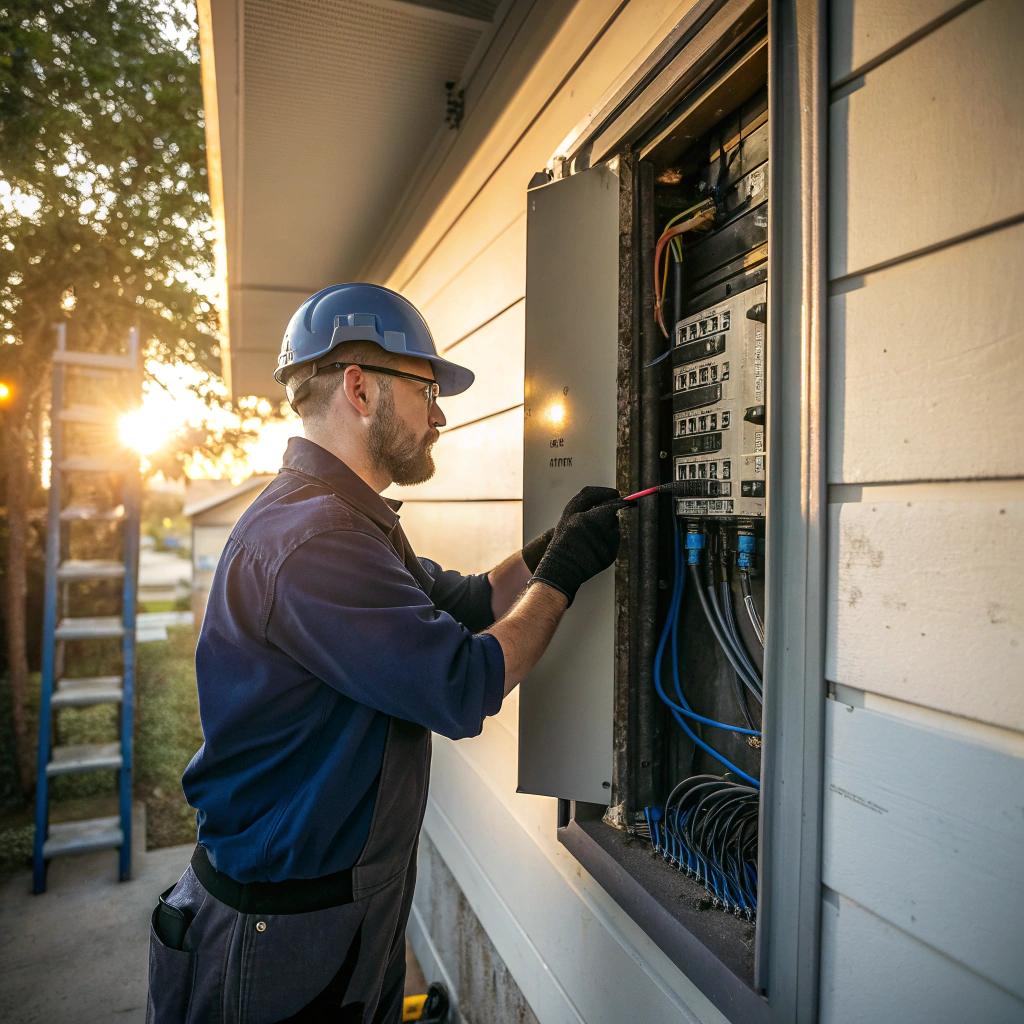
If you want the direct answer: tech‑savvy homeowners in Indianapolis still need licensed electricians because your smart gear lives on top of a physical electrical system that has to be safe, correctly sized, and up to code. The more connected your home becomes, the more important grounding, panel capacity, circuit planning, surge protection, and clean power become. You can configure apps, set up VLANs, and manage cloud backups, but an electrician handles the voltage, current, and wiring that keep all that gear from overheating, tripping, or failing early. If you are serious about your network, your home lab, or your streaming setup, you need real electrical work done right. And yes, that means calling actual humans like electricians in Indianapolis, not just reading another forum thread.
Why tech people underestimate electrical work
I think many of us in tech get a bit overconfident. We are used to solving strange problems. DNS issues, firewall rules, odd PHP config bugs, Docker containers that just stop for no clear reason. Compared to that, a switch and a light fixture feel simple.
The problem is that electricity is very unforgiving. If your nginx config is wrong, the site 502s. Annoying, but fixable. If your wiring is wrong, you can create heat in the wall for months before anyone notices. Or you load up one circuit with servers, monitors, and network gear, and it seems fine, until the hottest day of the summer when that breaker trips every few hours and your self‑hosted services vanish.
The more tech you add to a house, the more boring, invisible electrical details matter: circuit mapping, load calculations, grounding, bonding, and panel capacity.
People reading a web hosting blog tend to think about redundancy, uptime, and disaster recovery. That same mindset should apply to your house. Only now, the risk is not just data loss. It is equipment damage, fires, or long outages.
How your smart home stacks onto your electrical system
Think of your home in layers, not in a poetic way, just practically:
| Layer | What you usually touch | What an electrician handles |
|---|---|---|
| Physical power | Outlets, power strips, plugging in devices | Service panel, breakers, wiring, grounding, surge protection |
| Network | Wi‑Fi routers, switches, access points, cables | Location of drops, powered devices, PoE load on circuits |
| Devices | Smart bulbs, plugs, cameras, NAS, home servers | Dedicated circuits for heavy loads, wiring for fixtures and boxes |
| Software & cloud | Apps, dashboards, home automation rules | Reliable, stable power that allows that stack to run safely |
If the bottom layer is weak, the upper layers suffer in strange ways:
– Random reboots of your router when someone runs a vacuum on the same circuit
– Smart lights that flicker or buzz because the neutral is poorly connected
– Servers that see dirty power and eat power supplies faster than they should
You can spend days chasing what looks like a firmware bug when the cause is a $10 breaker badly chosen for the load.
When “DIY tech” quietly becomes “electrical work”
There are plenty of safe and sensible things you can do yourself at home. Setting up a rack, crimping Ethernet, installing a new router. Those are squarely in the tech space.
Then there are tasks that seem similar but are actually electrical jobs with tech flavor.
Examples of projects that often cross the line
- Replacing regular switches with smart switches that need a neutral
- Mounting PoE cameras outdoors around the home and adding new outlets nearby
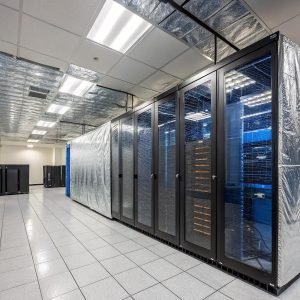
- Building a closet home lab with multiple servers, UPS units, and cooling
- Installing electric vehicle charging near where your server rack already lives
- Adding smart recessed lighting around TV setups and gaming rigs
On paper, these look like “upgrade projects.” In practice, they involve questions like:
– Is the existing box rated for the new smart switch size and heat?
– Can that circuit handle the new load from the lab and the HVAC air handler?
– Is that outdoor outlet GFCI protected and correctly weather rated?
– Will the new recessed lights overload the lighting circuit you are already using for accent strips and LED drivers?
Once you touch the wiring behind the faceplate, you are in electrician territory, not just tech territory.
Some people do light electrical work safely. But many guess. Tech people often feel that current and voltage are just another spec sheet. It is more subtle than that. Wire gauge, run length, derating for heat, panel age, and local code all matter. You can read for hours and still miss something that an electrician in your city sees in 30 seconds.
Why this matters more if you care about uptime
If you run anything at home that needs to stay online, you already think differently about power.
Maybe you self host:
– A small web server for side projects
– A media server (Plex, Jellyfin, whatever you prefer)
– Home Assistant or another automation hub
– Docker stacks for monitoring, logging, or VPN access
Or you work from home and have:
– Dual or triple monitor setups
– Docking stations
– VoIP phones
– A decent UPS
Those loads add up. Multiple monitors, a desktop, a dock, and a laser printer can already push a typical 15 amp circuit in the wrong direction, especially if you share it with space heaters or AC units.
Electricians do more than “add another outlet.” They plan the circuits so that your network gear and servers live on stable power, possibly with room for future growth. That avoids the scenario where you add smart blinds, LED strips, and an extra monitor and suddenly your UPS alarm starts beeping more often.
If you treat your home like a micro data center, then you should treat your electrical system like the foundation of that mini data center.
Many people will pay monthly for better hosting, extra RAM, or more storage. But they run that same setup off a 25 year old breaker panel and a circuit that also feeds the living room TV, a lamp, and half the outlets on the floor.
Panel capacity and why Indianapolis houses are tricky
Older homes in Indianapolis often have panels that were never planned for:
– EV chargers
– Rack gear running 24/7
– Smart HVAC systems
– Dozens of always on IoT devices
– High draw gaming PCs
You can “get away” with it for a while. Until you cannot.
An electrician can look at your panel and tell you:
– How many amps your service can really support
– Whether you should split some circuits or add a subpanel
– If some circuits are badly mixed, such as kitchen and office on the same breaker
– Whether old aluminum wiring or DIY splices are hiding behind walls
That sort of review is boring. It is not fun like swapping out a router. But it affects how reliable your home network and smart devices will be.
Smart switches, dimmers, and the quiet problems they bring
Smart lighting is often the first step into a modern home. People start with Wi‑Fi bulbs, then get annoyed when flipping a physical switch kills power and “forgets” the bulb state. So they move to smart switches.
Smart switches are more than just a different faceplate:
– Many require neutral wires
– Some expect specific load types (LED vs incandescent)
– Some need deeper electrical boxes
– Heat from the electronics is different from a plain mechanical switch
If your house does not have neutrals in the switch boxes, you face a choice: try to hack around it, or have an electrician pull new wire.
A tech person might be tempted to run a “creative” neutral from the nearest box. That sort of shortcut can cause shared neutrals that are not allowed, or overloaded conductors. Beyond safety, it can also cause subtle electrical noise that sensors or power supplies do not like.
Dimmer issues are another common annoyance. Wrong match between dimmer and LED:
– Causes flicker that looks like Wi‑Fi drops in your security camera footage
– Creates buzzing that you blame on the fixture, not the electrical design
– Can cause premature failure of bulbs
Electricians know which dimmers play nicely with which loads. This is not just brand preference. It is about how the electronics handle chopping the waveform and how that interacts with cheap power supplies inside LEDs.
Grounding, surges, and what they do to your stack
Many people only think of surge protection as a power strip with a light. It is more layered than that.
| Protection type | Who usually installs it | What it helps with |
|---|---|---|
| Basic surge strip | You | Small spikes, convenient outlets, minor protection |
| UPS with AVR | You | Short outages, brownouts, graceful shutdowns |
| Whole home surge protector | Electrician | Larger surges from the grid, wide equipment protection |
| Verified grounding and bonding | Electrician | Stable reference, better protection, less noise |
Bad grounding can cause strange behavior:
– Random disconnects of USB gear
– Audio noise in speakers
– Network gear reboots during storms
– Static shocks when touching equipment racks
You might troubleshoot drivers, firmware, or even switch brands, and never think about the actual grounding of the house. Electricians test and fix that.
Whole home surge protection is another upgrade that many tech heavy homes should consider. You might have a decent UPS on your main server, but what about:
– The access point in the hallway
– The smart thermostat
– The TV that shows your dashboards
– The PoE cameras outside
All those are on the same electrical system. If you are willing to pay for cloud backups, SSL, and other forms of redundancy, spending some money on broad surge protection starts to look logical, not like a luxury.
EV chargers, heat pumps, and competing loads
Indianapolis has more people each year installing:
– EV chargers in garages
– Heat pumps and high‑efficiency HVAC systems
– Induction cooktops
– Tankless electric water heaters
Each of these is a serious electrical load. Now put them in the same house as:
– A 24/7 homelab
– Multiple remote workers
– Always on cameras and smart devices
Suddenly that 100 amp or 150 amp service looks small.
You can install apps to schedule EV charging at off‑peak times. You can set your server to throttle. But none of that fixes a panel that is simply undersized.
An electrician can:
– Upgrade the service size when feasible
– Balance heavy loads across legs
– Suggest where to put dedicated circuits for labs and network gear
– Avoid putting EV charging on the same panel space that feeds your office
This type of planning is hard to do by guesswork. You can read up on amperage and diversity factors, but houses are not as uniform as cloud instances. Real conditions vary.
Home labs, racks, and the power behind them
If you run a home lab, you already know how quickly things expand. You start with:
– One small server or NUC
– A cheap switch
– A basic UPS
Then it grows:
– Rackmount servers
– Separate router, firewall, and switches
– Patch panels
– Dedicated storage boxes
– Monitoring appliances, Pi stacks, or mini PCs
Suddenly your gear is not a small load any more.
Questions an electrician can help answer for a home lab
- Should the rack get its own 20 amp circuit or more than one?
- Is there a safer way to route power so the UPS does not overload during a spike?
- Do you have enough outlets so you are not chaining power strips?
- Is the room cooling enough for that heat output, or should you split HVAC loads?
People will spend hours debating server models and RAID levels. Yet they plug everything into an old receptacle that feels warm to the touch. That is not a good tradeoff.
If your lab is in a basement or closet, older wiring might be behind it. You might also have moisture issues. Electricians know what type of receptacles and enclosures are reasonable in that kind of space. It is boring work, but it helps your gear live a longer life.
Networking gear and where power placement matters
Access point location, cable runs, PoE budgets, all those are familiar topics for network people. But many forget to think about simple power access. You plan perfect AP placement in the ceiling, only to realize there is no good path for power or PoE injectors without some wall work.
In many cases, a small bit of electrical planning early:
– Ensures you have outlets near patch panels
– Puts a circuit close to where you plan a ceiling mounted AP with an injector
– Keeps PoE switches on circuits that will not overload when someone plugs in other devices
If you are planning a renovation or even just painting and rearranging rooms, talking with an electrician before cutting holes for APs or cameras can save patchy and ugly fixes later.
How this all connects back to web hosting and digital life
You might be wondering why a site that talks about web hosting, online communities, or tech stacks should bother with house wiring. I would argue that for many tech‑savvy homeowners, the house has become part of the infrastructure.
Think about:
– Self hosted forums or blogs
– Homelab playgrounds for new stacks
– Local mirrors of git repos
– VPNs back into your home network for secure access
All those depend on your house not just having power, but having stable power. The jump from “hobby tinkering” to “reliable utility” happens quietly. At some point, your partner or family expects the media server to always work. Your clients expect your remote workstation to always connect smoothly.
You probably keep:
– Offsite backups
– Redundant drives
– Monitoring alerts
But your single point of failure might be a tired breaker panel full of marginal connections.
Electricians in Indianapolis deal every day with the boring physical side that keeps all this running. I do not think tech people need to hand over every single task. Swapping a light fixture, plugging in a UPS, or adding a low draw device is fine for many. The mistake is thinking that a house full of sensitive electronics is still “just a typical load.”
When should you absolutely call an electrician?
To keep this grounded, here is a simple set of situations where you should stop pretending it is a hobby job and get help.
Clear signs you need professional electrical help
- You are tripping breakers after adding gear, even occasionally
- Lights dim when your rack spins up or when big devices turn on
- Outlets feel warm, or you smell a faint burning or hot plastic odor
- You see flicker or buzzing after installing smart dimmers or switches
- Your router or server reboots during storms, even when on a basic surge strip
- You want to add an EV charger, sauna, or any other high draw device
- Your panel is older, crowded, or uses breakers that are hard to find now
Some of these might feel mild. A breaker trip once a month does not feel serious, until the day it happens while you are away and a critical process stops. If you treat your digital projects seriously, treat those warning signs the same way you treat disk errors or strange log entries.
Working with electricians without losing control of your tech vision
Some tech people avoid calling electricians because they fear losing control. They want things placed a certain way. They care about rack angles, cable trays, and under‑desk mounts. That is fair.
You can keep your preferences and still work well with a pro if you prepare:
– Draw a simple diagram of where you want gear, racks, and outlets
– List your current and near future devices, with approximate wattage if you know it
– Decide which devices are “always on” vs “sometimes on”
– Mark any planned EV chargers, high draw kitchen gear, or workshop tools
Then talk frankly:
– “I want my lab and network gear to have clean dedicated circuits.”
– “I expect this room to have X monitors and Y PCs.”
– “I will likely double my equipment in 3 years.”
Electricians appreciate clear requirements more than vague “just give me more outlets.” You do not need their vocabulary. You just need to describe your actual usage patterns.
Sometimes they will push back. Maybe you want everything on one wall, and they know that is not a good idea for load distribution. That is fine. Debate a little. Ask why. This is another area where you should not just agree with everything an electrician suggests if it does not match how you use your tech, but you should respect the constraints they see that you do not.
Frequently asked questions from tech‑savvy homeowners
Can I just overspec everything and avoid the problem?
You can buy a huge UPS, heavy gauge extension cords, and pricey surge strips. That helps at the margin, but it does not fix bad wiring, undersized panels, or missing grounding. Overspec gear on top of weak infrastructure is like running high redundancy on servers that sit in a room without proper cooling. It helps for a while, then it fails in a less predictable way.
Is it overkill to talk to an electrician if I “only” have a small server and some smart lights?
Probably not, but it depends on your house age and what else is on the circuits. In a newer, well built home, your small setup might be fine. In an older Indianapolis home that has seen multiple owners and DIY changes, a short inspection can reveal issues unrelated to your tech that still affect it.
Do electricians understand PoE, racks, and network layouts?
Some do, some do not. That is normal. Their main job is safe power delivery, not network design. You can handle the logical layout and get their help for outlets, dedicated circuits, and panel work. Think of it like working with a good colocation facility. They give you stable power and environment; you decide what gear and architecture you run inside that.
Is whole home surge protection really worth it if I already have UPS units?
For homes with a lot of electronics spread across many rooms, yes, it often is. UPS units protect what is directly connected and for specific events. Whole home surge units catch bigger spikes before they reach your strips and UPS units. Especially in a city with storms and grid fluctuations, doubling up that protection is a rational choice, not just marketing.
What is one simple step I can take this month?
Walk around your home and list all the always on devices that matter to you. Routers, switches, servers, TVs, smart speakers, security systems. Then look at which outlets they use and think about how many of those are on one circuit. If you have no idea, that is already your sign to start mapping or to ask an electrician to help you build that map.
Once you see your house the way you see a rack diagram or hosting architecture chart, do you still feel comfortable ignoring the foundation layer?