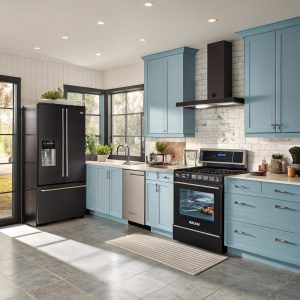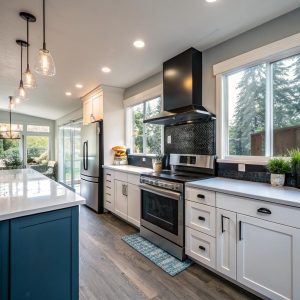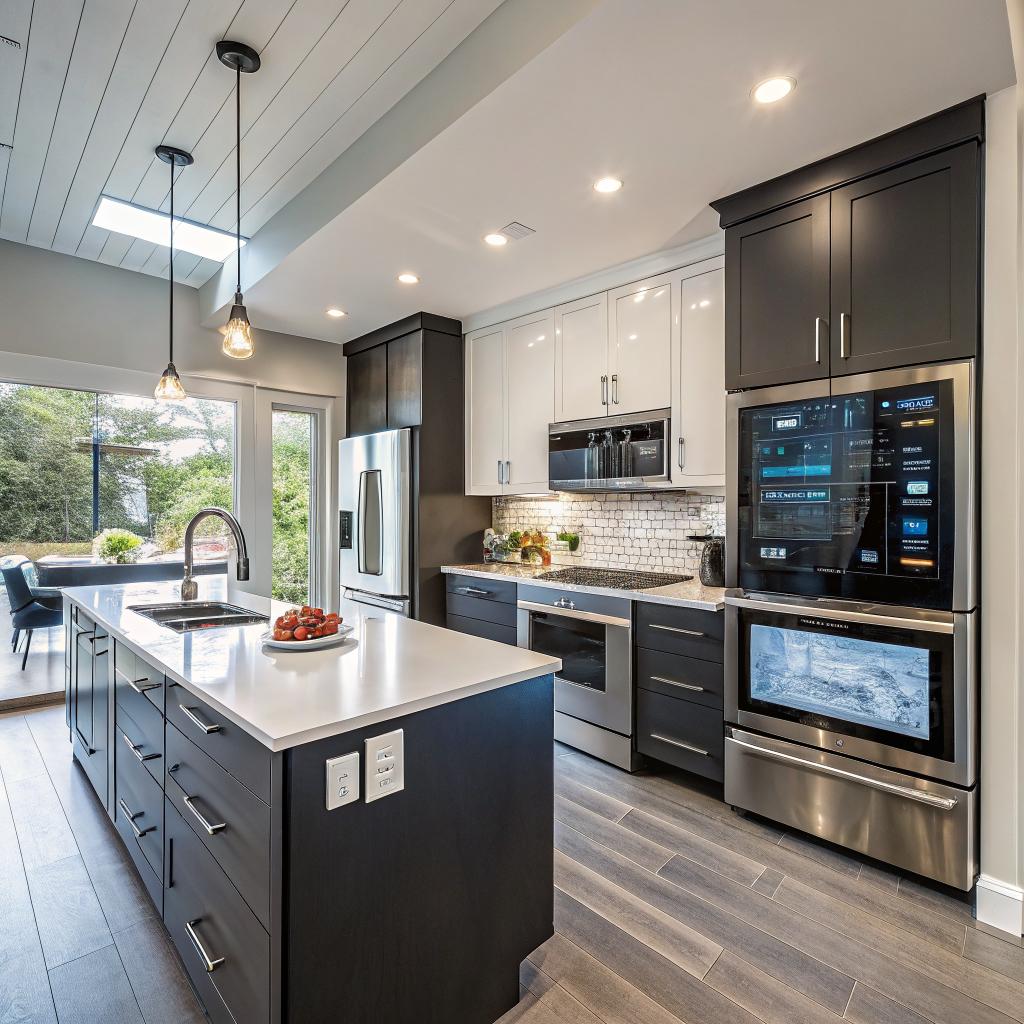

Most people think a smart kitchen is just a couple of Wi‑Fi plugs and a fancy fridge, but that is wrong. If you are planning a smart home ready remodel in Bellevue, you need to think about power, low‑voltage runs, network coverage, and device choices before drywall goes up. The short version: decide your smart home platform, map outlets and circuits for future gadgets, pull Ethernet where it matters, plan for good Wi‑Fi, and work with a contractor who understands both building code and connected devices. If you handle those parts early, a smart kitchen in Bellevue will feel stable and boring in the best way, not like a tech demo that breaks every month. A good place to start is talking with a local pro who already treats tech as part of the plan, such as any experienced team doing a full kitchen remodel Bellevue WA project in your area.
What “smart home ready” actually means for a kitchen
People use the word “smart” a lot. Most of the time it just means “has an app.”
For a kitchen that you will live with for 10 to 20 years, that is not enough. Smart home ready means your kitchen is wired, laid out, and networked so you can:
- Install new connected appliances without tearing open walls
- Run stable Wi‑Fi and wired connections to key spots
- Handle extra electrical load from gadgets and lighting
- Hook your kitchen into your wider smart home platform
- Change your mind later without starting from zero
Smart home ready does not mean buying every gadget now. It means building the infrastructure that lets you add or replace tech later without a mess.
If you work in hosting or build online communities, this is not very different from planning a server rack or a home lab. You overbuild power a bit, you think about airflow, you pull more cable than you need, and you leave room for upgrades. Same idea here, just with cabinets and tile instead of rack units.
Step 1: Pick your smart home “stack” before you pick tile
You do not need a 30 page system design, but you do need a clear answer to one simple question:
What will be the primary way you control your smart kitchen: phone app, voice, smart switches, or automations?
Your answer drives a lot of small choices.
Choosing a main platform
Most people in Bellevue fall into one of three camps:
- Alexa focused (Echo devices)
- Google Home focused
- Apple Home focused
Then there are more technical setups with Home Assistant, Hubitat, or custom code. Since this is going on a tech friendly site, I will say this clearly: if you already self host services or run a homelab, you will probably be happier with Home Assistant or a similar hub at the center.
Here is a simple comparison that helps during design talks with your contractor or electrician.
| Platform | Good fit for | Kitchen notes |
|---|---|---|
| Amazon Alexa | People who like voice first control | Easy voice timers, shopping lists, hands free lights |
| Google Home | Android users, Google ecosystem | Good for voice search, recipe help, YouTube on displays |
| Apple Home | iPhone / iPad households | Better local control, privacy focus, nice automations |
| Home Assistant / Hub | Tech users, self hosters | More control, local automations, can tie in all 3 above |
Your platform choice affects:
- Which smart switches and outlets play nice
- How much you rely on cloud services
- Whether you want a tablet on the wall with a control dashboard
If you skip this step, you end up with five apps, three brands of switches, and weird conflicts. I see that a lot.
Step 2: Electrical planning for a smart kitchen
Smart kitchen planning starts at the panel, not in the appliance showroom.
Circuits, load, and code basics
Bellevue runs under Washington State Energy Code and NEC rules, and your contractor already knows that. What you need to know is simpler:
- Kitchens need multiple 20 amp small appliance circuits
- Big loads like ovens and induction cooktops need dedicated circuits
- Smart gadgets still draw power, even in standby
So when you layer on:
- LED strip lighting in cabinets
- Always on smart speakers or displays
- Smart switches with neutral wires
- Smart shades on a nearby window
You can hit weird situations where a run that used to be plenty is now marginal. This is why you want your “tech list” in front of your electrician before rough in.
Tell your contractor every powered thing you want in the kitchen, even if it sounds minor. It is cheaper to say “maybe” now than “I wish” later.
Outlets you will be glad you added
Here are areas where extra outlets matter for a smart ready kitchen:
- Above cabinets for LED strips or accent lights
- Inside pantry or tall cabinet for a hidden router, hub, or NAS
- Behind a spot where you want a wall mounted tablet or smart display
- Inside an appliance garage for small gadgets that stay plugged in
- By the dining area for a laptop, work calls, or a charging station
If you host game nights or work late at the kitchen island, you already know that people treat kitchen outlets like public USB ports. Plan for that.
Smart switches vs smart bulbs in a remodel
In a remodel, smart switches make more sense than smart bulbs in many cases, because:
- Switches keep the wall controls working for guests and kids
- You do not lose hard wired control when the Wi‑Fi is down
- They are easier to maintain long term
For accent lighting, smart bulbs or smart LED drivers can still be handy. A split is common:
- Main cans on smart dimmer switches
- Under cabinet and toe kick lights on smart drivers
- Pendants on a regular or smart dimmer depending on taste
Ask your contractor to make sure boxes have neutral wires where possible. A lot of smart switches need neutral.
Step 3: Network and Wi‑Fi planning for the kitchen
This is where tech people perk up a bit. Kitchens are strange for Wi‑Fi. You have:
- Lots of metal from appliances
- Possible interference from microwaves
- Cabinets that absorb or reflect signal
Yet, the kitchen is also where you stream recipes, run video calls from the island, or control half of your smart devices.
Wi‑Fi coverage and access point placement
If your router is buried in a corner office, your kitchen might be the weakest spot in the house. A remodel gives you a chance to fix that.
Good options:
- Ceiling mounted access point near or just outside the kitchen
- Hardwired backhaul for a mesh node in an adjacent room
- Ethernet to a cabinet where you can hide a small AP
A soffit or pantry ceiling can hide a clean access point. The difference in stability is large compared to a random mesh puck that is plugged into the nearest outlet.
Ethernet runs where they actually help
Most smart appliances still use Wi‑Fi, which I personally dislike but accept. Still, wired connections are worth it in places like:
- A small network panel or rack close to the kitchen
- A wall mounted tablet running a smart home dashboard
- A PoE camera that looks into or near the kitchen area
- A TV in an open concept kitchen / living setup
Here is a quick way to plan your low voltage needs with your contractor or low voltage installer.
| Location | Cable type | Use case |
|---|---|---|
| Pantry / tall cabinet | Cat6 x 2 | Router, hub, small switch, NAS |
| Wall by fridge or main work zone | Cat6 x 1 | Tablet or smart display mount |
| Ceiling near kitchen | Cat6 x 1 (PoE) | Wi‑Fi access point |
| Exterior wall or soffit | Cat6 x 1 (PoE) | Camera covering entry or deck |
If you are the sort of person who runs Docker containers at home, run extra cable. You know you will think of a new use later.
Step 4: Lighting design that works with tech, not against it
Smart home or not, a kitchen in Bellevue with poor lighting is painful in winter. The tech part comes in when you mix scenes, sensors, and dimming.
Layered lighting for real life
The classic advice still holds:
- Ambient lighting from recessed cans or large fixtures
- Task lighting under cabinets and over island
- Accent lighting in toe kicks, glass cabinets, or shelves
Now tie that into smart controls:
- Scene for cooking: bright, cooler white, all task lights on
- Scene for eating: warmer, dimmed cans, pendants at mid level
- Scene for late night: soft toe kick and under cabinet only
The best smart lighting feels boring day to day. It just does what you expect without drawing attention to itself.
If you want motion sensors, think through where they make sense. In a main kitchen, motion that turns lights off too quickly can be annoying. A better pattern is:
- Motion sensors in pantry or small prep areas
- Contact sensors on pantry doors for auto lights
- Time based scenes for morning and evening
For color temperature, I tend to like tunable white LEDs with fixed scenes instead of full RGB everywhere. Most people rarely use colors in a kitchen after the first week.
Step 5: Smart appliances and what actually matters
This part can spiral quickly. There is always a fridge that promises to display your calendar and stream your favorite show on the door. Some are fine. Some are more like beta tests.
I would break appliance decisions into two groups.
Appliances where smart features are useful
Reasonably high impact:
- Oven or range with remote preheat and temp monitoring
- Dishwasher that alerts you when a cycle is done
- Range hood with adjustable fan and auto run from a sensor
- Induction cooktop with precise control and safety features
Those tie into schedules, alerts, and sometimes energy monitoring.
The fridge is tricky. Cameras inside sound nice but are often laggy or fragile. A more practical smart feature is door open alerts and temperature logging if you have a lot of frozen food or a separate beverage center.
Appliances where “smart” might be more trouble than help
Honestly, some people prefer:
- Simple microwave without an app
- Hood with hardwired controls in addition to any smart side
- Gas or induction with clear manual knobs and buttons
There is a balance between convenience and having to reset a Wi‑Fi module every few months. If an appliance fails in a dumb but predictable way, it is easier to live with.
Here is a quick comparison to help you decide where to aim your budget.
| Appliance | Smart features that help | Things to be cautious about |
|---|---|---|
| Oven / range | Remote preheat, temp probe, alerts | Cloud only apps, required logins for basic use |
| Fridge | Door / temp alerts, energy monitoring | Touchscreens that age fast, subscription features |
| Dishwasher | Cycle complete alerts, leak detection | Features locked to app only modes |
| Microwave | Voice “add 30 seconds”, presets | Complex app setup for simple tasks |
For Bellevue, also consider service. Tech features are not very helpful if local repair techs cannot get parts or do not know the model.
Step 6: Tying the kitchen into the rest of your smart home
A smart ready kitchen should not feel like a separate tech bubble. It should talk to the rest of the house in useful ways.
Automations that actually get used
From what I have seen, people stick with simple routines they can explain in one line.
Some examples:
- When the first person comes home, turn on kitchen and entry lights if it is dark
- At 11 pm, dim kitchen to a nightlight scene and verify appliances are off
- If a smoke or heat sensor trips, turn on all kitchen lights to full
- When the dishwasher finishes after 9 pm, send a quiet phone alert only
You can get fancier with presence detection, but start small. A web host learns early to keep config simple before adding nesting and conditions. Same idea here.
Voice and audio in the kitchen
Placing speakers in a kitchen is tricky because of noise from cooking and hoods. You might want:
- One main smart speaker on a shelf away from the stove
- In ceiling speakers tied to an amp elsewhere
- Volume presets that account for hood noise
Voice is great for:
- Timers while your hands are messy
- Converting units while cooking
- Turning lights up or down arbitrarily
Just do not rely only on voice. Hard buttons and clear controls still matter.
Step 7: Privacy, security, and update habits
Readers who care about hosting and self hosting probably care about privacy. Smart kitchens cross that line between convenience and data collection.
Choosing local where it makes sense
If you can pick devices that work locally with your hub, you:
- Reduce cloud dependence
- Lower latency for automations
- Avoid random vendor lockouts
This fits well with platforms like Home Assistant, Apple Home, or Matter ready devices that run local control.
For cameras that see into or near the kitchen, decide where the video lives. Local NVR, self hosted system, or a cloud vendor. Each comes with tradeoffs. For many people, a local recording box plus restricted remote access is a good balance.
Network hygiene in a house full of IoT
Tech readers do not need a lecture here, but in case you are sharing this with a less technical partner, here is a simple kitchen oriented checklist:
- Put IoT devices on a VLAN or guest network if your router supports it
- Change default passwords and keep a list of logins somewhere safe
- Turn off features you do not use, like remote cloud access for low value gadgets
- Plan a simple “update day” twice a year to patch hubs and critical devices
You do not need a SOC in your pantry, but you also do not want a fridge with a forgotten account from three owners ago.
Step 8: Practical design choices for Bellevue kitchens
Bellevue homes range from 1960s tri levels to new builds near the light rail. The age of the house affects how much work it takes to get smart ready.
Older homes and panel limits
In some older Bellevue neighborhoods, the electrical panel is already strained. Before you plan a giant induction range, a double oven, and twenty LED strips, you might need a panel upgrade.
Points to discuss with your contractor and electrician:
- Current panel size and remaining capacity
- Any planned EV charger or heat pump that will share load
- Possibility of dedicated subpanel for kitchen and nearby rooms
This is one of those steps that is annoying to spend money on, but it also prevents headaches during inspections and after move in.
Open concept vs closed kitchens
Open kitchens share air, light, and sound with living areas. That changes tech decisions:
- Lighting scenes need to blend with living or dining room, not fight them
- Audio zones need more control to avoid echo from two rooms
- Cameras must respect privacy if they see into living spaces
Closed kitchens can take stronger lighting and more focused audio. The flip side is Wi‑Fi and network planning must account for more walls.
Step 9: Working with a contractor without driving each other crazy
This part is where many tech heavy remodels go sideways. A remodel contractor cares about schedule, subs, code, materials. You care about VLANs, API access, and thread border routers. Those worlds do overlap, but not completely.
How to communicate your smart home needs clearly
Instead of handing your contractor a 20 page spec, try this shorter approach:
- Write a one page “smart list” with must haves and nice to haves
- Mark drawings with where you want extra outlets and low voltage runs
- Agree on who is responsible for what (they pull cable, you program hub, etc.)
You do not need your contractor to understand MQTT topics. You do need them to leave space for your network gear and not bury junction boxes.
Treat the contractor as an expert in the physical build and yourself as the expert in your tech stack. You are collaborating, not competing.
If your remodel includes complex lighting control or a lot of in ceiling speakers, it can help to bring in a low voltage integrator who speaks both “contractor” and “tech” fluently.
Step 10: Budgeting for smart features without losing the basics
Smart tech can eat your budget fast if you are not careful. It helps to think in layers.
Priorities that are worth funding
If you have to rank, I would put money into:
- Good lighting design and quality fixtures
- Solid electrical work and extra circuits where needed
- Wired network runs and a reliable access point near the kitchen
- Core appliances that cook and clean well first, then add smart
Then add:
- Smart switches and dimmers in key locations
- Under cabinet lighting tied to scenes
- One wall tablet or display if you actually see yourself using it
Try not to blow the budget on a single flashy fridge if the rest of the kitchen feels dated or cramped. Function and layout still matter more.
Example smart ready setups at different tech levels
Sometimes it is easier to picture real world setups instead of theory. Here are three rough levels that I see often.
Level 1: Simple, app friendly kitchen
- Decent Wi‑Fi coverage reaching the kitchen strongly
- Smart dimmers on main lights and pendants
- Under cabinet LED strips on a smart switch
- One smart speaker on the counter for timers and music
- At least one outlet inside a cabinet for future hubs
No wall tablets, no complex routines. Just nicer control and scenes.
Level 2: Tech aware, hub based kitchen
- Home Assistant or similar hub in pantry cabinet on wired Ethernet
- Ceiling access point nearby for strong Wi‑Fi
- All main lighting on smart switches with neutral wires
- Smart dishwasher and oven tied into notifications and scenes
- Door sensors on pantry and deck door for automations
- Wall mounted tablet with dashboard for lights, music, and cameras
Here, you script a few handy automations and tie the kitchen into whole home presence.
Level 3: Heavier integration (for the tinkerers)
- Separate IoT VLAN, firewall rules, and local DNS
- Multi room audio with in ceiling speakers and central amp
- Per circuit energy monitoring on kitchen subpanel
- Local NVR system handling interior and exterior cameras
- Custom dashboards showing oven temp, power use, and scenes
This level is fun if you enjoy managing systems. If that sounds exhausting, stay with level 1 or 2 and enjoy a simpler life.
Common mistakes to avoid in a Bellevue smart kitchen remodel
A quick list of problems that come up often:
- No neutral in switch boxes, limiting smart switch choices
- Router stuck in a metal cabinet without ventilation
- Too few outlets on the island for both cooking and laptops
- Overcomplicated automations that confuse guests
- Relying only on cloud services with spotty vendor history
Catching these before drywall saves a lot of annoyance later.
Q & A: Smart home ready kitchen remodel in Bellevue
Is a smart home ready kitchen worth the extra planning?
If you care even a little about tech, yes. The cost of extra low voltage runs and a few outlets is small compared to opening walls again later. You do not need to buy every gadget now, but planning the backbone pays off.
Do I need an expensive “pro” smart home system?
Not for most people. A reliable network, some well chosen smart switches, and a hub like Home Assistant or one of the major platforms covers most daily use. The very high end systems are overkill unless you want full home automation with dedicated support.
Can I keep my old appliances and still make the kitchen smart ready?
Yes. Infrastructure first, devices second. You can keep a solid “dumb” range and still plan wiring, lighting, and network to handle future upgrades. When an appliance dies, you will be ready to drop in a connected model without more electrical work.
What if my partner does not like tech?
Then focus on making the kitchen pleasant without screens. Good lighting, clear physical controls, and simple scenes that work from wall switches. The tech should fade into the background. If someone can walk in and flip a switch without thinking about Wi‑Fi, you are on the right track.
How do I talk to a contractor about this without overwhelming them?
Bring a short, clear list of needs:
- Where you want extra outlets
- Where you want low voltage runs
- Any spaces that need power and ventilation for network gear
Explain your goals in plain language, not protocol names. Something like, “I want strong Wi‑Fi in the kitchen and a spot in the pantry for a small network box, with enough outlets and ventilation.” Good contractors can work with that and ask follow up questions.