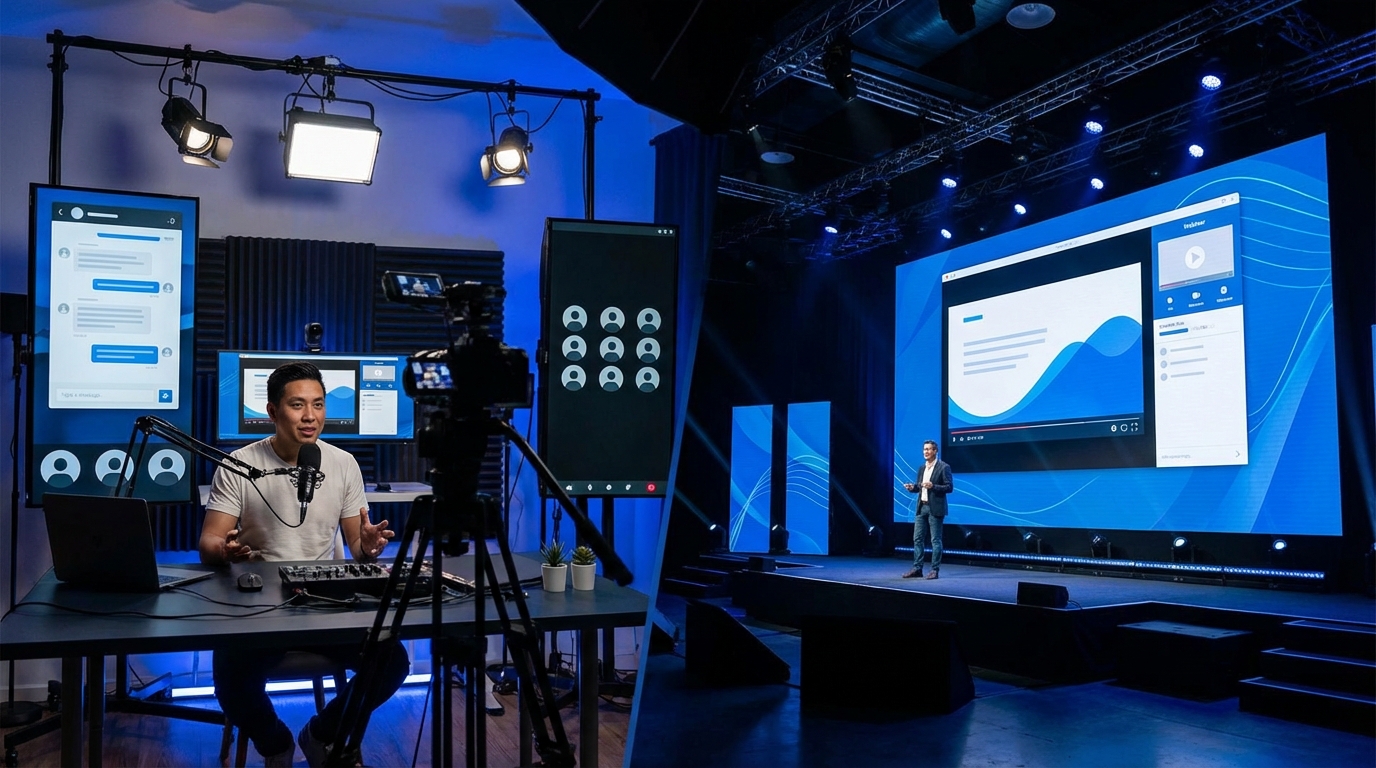

Most people think hosting an AMA or webinar is as simple as “spin up a Zoom, drop a link, and talk for an hour.” Then they wonder why half the audience bails in 10 minutes, the recording is unusable, and the chat devolves into spam.
If you want live events that actually work, you need three things: a stable, low-latency stack tuned for your audience size, clear control over access and recording, and a ruthless approach to format and moderation. For AMAs with tight communities, that often means embedding live video plus chat in your own site or forum. For broad webinars, that usually means a webinar platform or streaming through something like YouTube Live or Vimeo with solid RTMP support. Everything else is just details: predictable audio, clear roles, and not pretending that a live event will fix a boring topic.
AMA vs Webinar: Two Very Different Beasts
Most people lump AMAs and webinars into the same bucket: “we talk, they listen.” That is wrong, and it is exactly why many events feel awkward.
- AMA (Ask Me Anything): High interaction, chaotic by design, relies on trust with the audience. Think Reddit thread, but live, with faces and voices.
- Webinar: Structured, presenter-led, usually focused on teaching or selling. Think one-to-many broadcast with occasional questions.
If you pick the wrong format for your goal, no tech stack will save the event.
| Aspect | AMA | Webinar |
|---|---|---|
| Primary goal | Community connection, trust, transparency | Education, demos, lead generation |
| Interactivity | High, chaotic, question-driven | Moderate, controlled Q&A and polls |
| Audience size | Ideal under ~300 live | Can go from dozens to thousands |
| Tech needs | Strong chat, clear moderation tools | Stable broadcast, registration, recording |
| Content structure | Loose outline, heavy Q&A | Slides, demo flow, planned transitions |
Pick the format first, then choose technology. Most bad events start with “we already pay for X, so we will use it for everything.”
Core Technical Stack Choices
You have four broad models for hosting live events:
- Video meeting platforms (Zoom, Google Meet, Teams)
- Webinar platforms (Zoom Webinars, Demio, Livestorm, etc.)
- Streaming platforms (YouTube Live, Twitch, Vimeo, own RTMP stack)
- Community-native events (Circle, Discord, Slack, Discourse + embedded video)
Stop picking tools based on brand name. Pick based on latency, controls, and where your community already lives.
Video Meeting Platforms: Simple, But With Tradeoffs
Zoom or Meet are the default because everyone already has them. That is convenient, but you give up some fine control.
- Pros:
- Low friction for attendees
- Good latency for discussion
- Screen share and recordings are built in
- Cons:
- Limited branding
- Harder to embed in your own site without awkward handoff
- Security and access control quirks if links leak
Good for: small AMAs with known members, internal webinars, early-stage community calls.
Weak for: public marketing webinars, big launches, anything where you care about polished registration and replay flow.
Webinar Platforms: You Are the Broadcast
Webinar platforms treat attendees as viewers, not participants. That matches reality for many events, even though marketers pretend everyone is “engaged.”
- Pros:
- Q&A separate from chat, plus polls
- Better controls for hosts, fewer chances for attendee audio disasters
- Native registration, reminders, and post-event follow-up
- Cons:
- Higher cost once your list grows
- Feels more detached than a group call
- Some tools lock you into their UI/UX and analytics
Good for: product demos, thought-heavy webinars, launch events, training sessions.
Weak for: real AMAs where the crowd should shape the content and vibe.
Streaming Platforms: RTMP and Own-Site Control
Streaming through a platform like YouTube Live or Vimeo and embedding it in your own site is a solid middle ground between convenience and control.
- Pros:
- Works at large scale
- Good video quality, adaptive bitrate, and strong infrastructure
- You can pair video with your own community tools (forum, chat, SSO)
- Cons:
- Latency varies, so live Q&A can feel delayed
- Public platforms can distract people with recommendations and ads
- Privacy concerns if the topic is sensitive
Good for: public webinars, community town halls, hybrid events where you want reach and control.
Weak for: highly interactive small-group AMAs and anything where you must strictly control who can see the event.
Community-Native Events: Meeting People Where They Already Are
If your community lives in Discord, Slack, or a forum, dragging them into an external platform can kill attendance. Community-native events keep people in their usual environment.
- Pros:
- Familiar chat, roles, and notification patterns
- Threaded follow-ups after the event
- Better long-term continuity: event becomes part of the community history
- Cons:
- Video quality and reliability vary (Discord events are decent, but not great for huge audiences)
- Recording and export are sometimes clunky
- Harder to run polished “marketing webinar” flows
Good for: recurring AMAs, office hours, casual show-and-tell, internal community onboarding.
Weak for: lead-gen webinars, public launches, and events where non-members need easy access.
Infrastructure: Latency, Reliability, and Hosting Choices
Anyone who has hosted more than a few live events knows that the weakest link is rarely content. It is usually fragile infrastructure or bad assumptions about network conditions.
Self-Hosting vs Managed Streaming
Self-hosting your own video stack sounds attractive on paper: total control, no middleman, full branding. In practice, live video is one of the most unforgiving workloads you can choose to run yourself.
Unless you have in-house streaming expertise and a budget for redundant servers and monitoring, self-hosting live video is a hobby project, not a production option.
| Aspect | Managed (YouTube, Vimeo, etc.) | Self-Hosted (own RTMP, WebRTC) |
|---|---|---|
| Setup time | Hours | Days to weeks |
| Maintenance | Minimal | Ongoing patching, monitoring, scaling |
| Control | Limited, but enough for most | High control, also high responsibility |
| Resilience | Backed by major CDNs | Depends fully on your architecture |
For almost every community and most companies, a managed streaming provider plus your own hosting for landing page, chat, and archives is the stable option.
Latency: Matching Tool to Format
Latency defines how “live” the interaction feels.
- Interactive AMAs: aim for sub-1 second to 3 seconds. WebRTC-based solutions or meeting platforms are better.
- Webinars at scale: 5 to 20 seconds is tolerable. Most HLS-based streams live here.
If your audience asks a question and the host responds 20 seconds later, that is tolerable for a demo. For a community AMA, it feels like talking to a wall.
Hosting Location: Where Your Audience Is
Your web host or application host for the event site needs to be chosen with your audience distribution in mind.
- If your audience is global, use a CDN and a host with good peering.
- If your audience is concentrated (for example, all in North America), pick a region and stay consistent.
- Always test from real network conditions: mobile data, home Wi-Fi, and corporate networks with strict firewalls.
Do not trust a single internal test from your office fiber line. That is not the same as 500 people joining from throttled Wi-Fi and locked-down VPNs.
Designing the AMA Experience
An AMA is not a “webinar with more questions.” It has its own rules.
Pre-Event: Question Intake and Expectation Setting
If you want real questions and not just “what is your roadmap,” you need structure.
- Collect questions in advance on your forum, Discord, or mailing list. Tag them and group them by theme.
- Publish a clear scope:
- What is in scope (tech stack, roadmap, pricing)?
- What is out of scope (legal issues, support tickets)?
- Explain the format:
- Will people be invited on stage?
- Is the session recorded and published later?
- How anonymous can questions be?
If you do not set expectations, the loudest 10 percent of the audience will dominate and the rest will lurk.
During the AMA: Role Separation Matters
You need at least three distinct roles for anything beyond a tiny call:
- Host / Moderator: runs the flow, selects questions, keeps time.
- Guest / Expert: focuses only on good answers, not logistics.
- Chat Wrangler: tags questions, filters spam, posts links.
Trying to let the main guest read chat, answer questions, and manage tools leads to dropped threads and half-answers.
If you care about the AMA, do not skimp on a dedicated moderator. It is the cheapest upgrade you can make.
Question Flow: Live vs Pre-Submitted
You need both.
- Pre-submitted:
- Guarantees you have topics to cover even if the chat is quiet.
- Lets you group related topics and avoid repetition.
- Live questions:
- Give the audience agency and keep things from feeling scripted.
- Let you react to surprising threads and clarify confusing points.
A practical pattern:
- Start with 2 to 3 pre-submitted questions that set context.
- Switch to live questions from chat or Q&A.
- Interleave pre-submitted questions when live flow dips.
Moderation: Guardrails Without Killing Authenticity
Good AMAs allow criticism. They do not allow harassment, spam, or doxxing.
Set clear ground rules:
- No personal attacks, no private data, no slurs.
- Direct criticism of product, roadmap, or decisions is allowed and expected.
- Threats and abuse are removed, and repeat offenders get muted or banned.
Then enforce those rules consistently, even when criticism is uncomfortable. Audiences can smell PR-filtered AMAs instantly.
Designing Effective Webinars
Webinars are where people usually try to copy conference talks and end up with 45 minutes of dense slides and a 3-minute Q&A nobody hears.
Content Structure: Attention Is Expensive
Plan around how people actually listen:
- First 5 minutes: hook, agenda, what they will learn or see.
- Next 10 to 20 minutes: main content with one clear narrative thread.
- Midpoint: short interaction (poll, quick question, or demo pivot).
- Final 10 to 15 minutes: Q&A or live troubleshooting.
If you try to cram every possible topic into a single webinar, you end up with a recording that nobody wants to rewatch.
Slides and Demo: Tech Discipline
There are two common failure modes:
- Slides that look like they were written for print, tiny fonts and wall-of-text.
- Demos that depend on a fragile staging server that has not been load tested.
Practical rules:
- Use large fonts, simple diagrams, and one main idea per slide.
- Keep demo environments separate from production, but with realistic data.
- Have a backup: screenshots or a pre-recorded demo clip in case live demo fails.
If your demo depends on 5 chained services all behaving perfectly, assume something will break and plan for it.
Audience Interaction: Feel Live, Not Performative
People know when their “questions” are just canned talking points. That erodes trust.
Use interaction that has real consequences for the talk:
- Use polls to choose which of two examples to walk through.
- Ask for stack details and tailor part of the content live.
- Have a hard promise: answer at least N real questions before the end.
If you want live events to feel useful, show that attendee input changes what happens in real time.
Hosting and Integrating with Your Community Platform
If your site or forum is the hub of your community, treat live events as a part of that system, not a separate island.
Embedding Video and Chat on Your Own Domain
A clean pattern for many communities:
- Use a managed video provider (YouTube, Vimeo, or a webinar tool) for the stream.
- Embed the video on a page within your own domain.
- Place your community chat or forum thread directly below or next to the stream.
This gives you:
- Single place for pre-questions and post-event discussion.
- SEO value for your own site, not someone else’s platform.
- Fewer context switches for users already logged in.
Authentication and Access Control
Decide who can access:
- Public events: open to everyone, but you may still want light registration for email follow-up.
- Members-only: restricted to logged-in users of your community.
- Tiered access: paid members get live Q&A, others get watch-only, or only get the recording later.
Tie access to your existing identity system where possible:
- Single sign-on (SSO) for communities that span multiple tools.
- Role-based access (for example “Premium”, “Staff”, “Founding Member”).
- Auto-updating permissions when subscriptions change.
If you rely on manual lists or ad-hoc invite links, access control will fail right when you run a high-stakes event.
Recording, Archiving, and Replays
Treat every live event as content that will live on.
- Record at the highest quality your tool supports.
- Export and store the master file outside the event platform (backed up to your own storage).
- Create an event archive section in your community or knowledge base.
For AMAs, consider time-indexed summaries:
- List key questions with timestamps linking into the recording.
- Transcribe the session and post the text in the same thread.
For webinars, break the replay into segments if possible:
- “Concept overview” clip
- “Live demo” clip
- “Q&A highlights” clip
This makes the content more reusable and easier to reference.
Audio, Video, and Network: The Boring Stuff That Actually Matters
Everyone obsesses over which platform to use, then speaks into a laptop mic in a noisy room. The result is predictable.
Audio: Invest Here First
Clear audio beats perfect video every time.
Minimum baseline:
- Use an external microphone: a decent USB mic beats any built-in laptop mic.
- Use wired headphones to prevent echo and feedback.
- Disable noisy background effects and aggressive auto-gain in conferencing tools.
Better setups:
- Dynamic mic close to your mouth to reduce room noise.
- Proper audio interface if you are mixing multiple sources.
- Limiter or compressor to avoid clipping and massive volume swings.
If you only fix one thing for your live events, fix audio. People will tolerate dropped frames, not garbled speech.
Video: Good Enough, Not Hollywood
You do not need a studio, but you do need to avoid looking like a shadow on a webcam.
Practical steps:
- Use a 1080p webcam or a clean HDMI camera if you already have one.
- Put a soft light source in front of you, not behind.
- Keep the background simple and not distracting.
If your connection is marginal, prioritise stable audio and consider turning off video for some participants.
Network: The Hidden Failure Point
Live events die on unstable connections.
Rules:
- Use wired Ethernet for presenters whenever possible.
- Close competing applications: backups, syncing, large downloads.
- Have at least 2x the upstream bitrate that your encoder or platform targets.
If you run the event from an office network with aggressive security rules, test streams ahead of time. RTMP or WebRTC can be blocked or throttled without clear errors.
Security, Privacy, and Compliance
Live events leak data in ways people forget about: screen shares, chat logs, offhand comments.
Protecting Participants
For AMAs and webinars with members:
- Do not show attendee emails or full names on screen in recordings.
- Blur or redact sensitive chat if you publish the recording publicly.
- Tell attendees if cameras and microphones are off by default.
For sensitive topics or internal events:
- Use tools that allow region locking and access restrictions.
- Control who can download or share the recording.
- Store recordings in systems that match your compliance requirements.
Consent and Recording Notices
Be explicit:
- State clearly that the event is being recorded.
- Clarify how the recording and transcript will be used.
- Give people a way to ask questions anonymously if needed.
Some jurisdictions require explicit consent for recording. Do not rely on silence as consent.
Measuring Success Without Lying to Yourself
Most live event metrics are vanity. “Registrations” say more about your email list size than your event quality. Focus on what matters.
Key Metrics That Actually Reflect Value
- Live attendance rate: attendees divided by registrants.
- Retention over time: how many people are still connected at 10, 20, 40 minutes.
- Engagement signals:
- Number of real questions asked.
- Chat activity that is on-topic.
- Poll responses tied to real decisions in the event.
- Replay consumption: how much of the recording is actually watched.
A smaller audience that stays for the full session and asks sharp questions is more valuable than a huge registration list that ghosts after 8 minutes.
Qualitative Feedback
Metrics are only half the picture.
Collect feedback:
- Short post-event survey with 3 to 5 questions.
- Open thread in your community asking what to change.
- Internal debrief with hosts and moderators.
Look for repeat complaints:
- “Too much pitching, not enough concrete examples.”
- “Questions were ignored or filtered heavily.”
- “Tech problems made it hard to follow.”
Then adjust the next event. Do not keep repeating the same broken format just because attendance is “fine.”
Common Failure Modes and How to Avoid Them
Years of hosting live events reveal the same pattern of mistakes.
Too Much Hype, Not Enough Substance
Overpromising results in:
- Attendees expecting secrets and getting basics.
- Criticism and distrust in your community.
Fix: Be precise in your event description. List 3 concrete things attendees will walk away with, and deliver them early in the session, not at the end.
Letting Chat Run Wild
Unmoderated chat invites:
- Off-topic debates
- Unsolicited promos
- Personal attacks
Fix:
- Set rules and pin them at the top of chat or in the event description.
- Have moderators with power to mute, kick, and delete.
- Separate Q&A from general chat when tools support it.
Relying on a Single Host for Everything
The “one-person show” fails when:
- They must speak, monitor chat, debug audio, and track time at once.
- They miss good questions or forget key sections.
Fix: Split roles as mentioned earlier. At minimum, a host and a moderator.
No Dry Run
Skipping a rehearsal saves an hour and costs you credibility.
Effects:
- Screen sharing fails at the start.
- Audio levels are wildly mismatched between speakers.
- Links or embedded players break in production.
Fix: Schedule a 20 to 30 minute dry run with all speakers:
- Test entry link, screen share, and content flow.
- Check recording and backup options.
- Run through first 5 minutes exactly as in the real event.
Planning a Repeatable Live Event Program
One-off events are fine for a launch, but communities respond better to predictable rhythms.
Cadence and Themes
Choose:
- Monthly AMA with founders or core team.
- Quarterly webinar focused on deeper topics.
- Regular office hours for focused Q&A.
Assign themes in advance so people know when to show up:
- “Scaling your web hosting stack AMA”
- “Performance tuning webinar: from TTFB to caching layers”
- “Community management AMA: running forums without burning out”
Reusable Infrastructure
Standardise:
- A recurring event page template on your site.
- A shared run-of-show document for hosts.
- A moderation guideline document for chat wranglers.
When the infrastructure is repeatable, you can focus attention on better content and sharper answers, not reinventing logistics every time.
Connecting Events to Your Broader Tech Stack
Tie your events into:
- Your mailing list (announce, remind, follow-up).
- Your CRM or member database (track attendance and interest).
- Your analytics stack (event pages, registration, replay views).
This is not about chasing vanity numbers. It is about understanding which topics actually resonate and where your community wants to go deeper.
Treat AMAs and webinars as part of your community infrastructure, not marketing stunts. The tech stack is there to support consistent, honest conversations, not to gloss over weak content.